
“Is my image high enough resolution?” is one of the most common questions we get with large format artwork. The honest answer is: it depends on the size of the print and how far away people will be when they look at it. A banner seen from across a street can use far fewer pixels per inch than a photograph hung in a gallery. Understanding why helps you avoid both blurry prints and needlessly enormous files.
PPI, DPI and what they mean
Pixels per inch (ppi) describes your image: how many pixels sit in each inch of the finished print. Dots per inch (dpi) strictly describes the printer: how finely it places ink droplets. People use the two terms interchangeably, but for artwork it is ppi at the finished size that matters.
A photo that is 6000 pixels wide printed 50cm wide gives roughly 300 ppi. The same photo printed 3 metres wide gives about 50 ppi. The pixels have not changed; they have been spread across more space.
Viewing distance changes everything
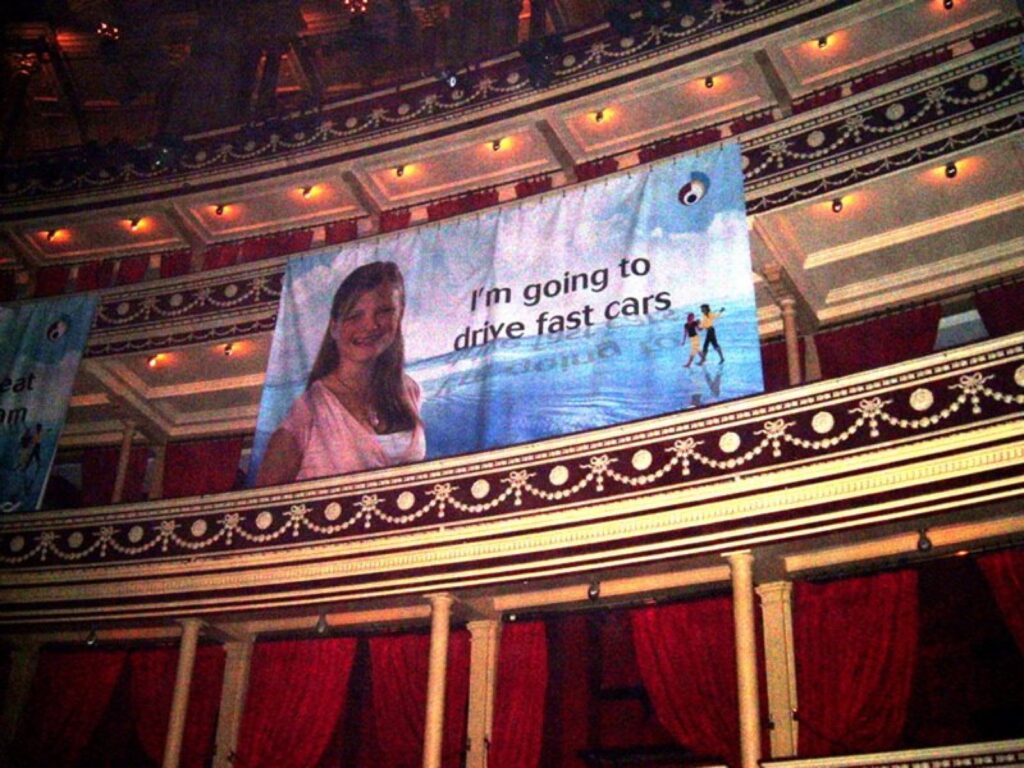
The human eye can only resolve so much detail from a given distance. Close up, you notice soft edges and pixelation. Step back a few metres and the same print looks sharp, because the eye can no longer see individual pixels. That is why billboards and building banners use much lower resolution than a brochure, and still look crisp from the pavement.
As a rough guide, working at the finished size:
- Viewed at arm’s length (photographic prints, fine art, small posters, exhibition panels people read closely): aim for around 150 to 300 ppi.
- Viewed from one to three metres (roller banners, pop-up stands, posters in corridors): around 100 to 150 ppi is usually plenty.
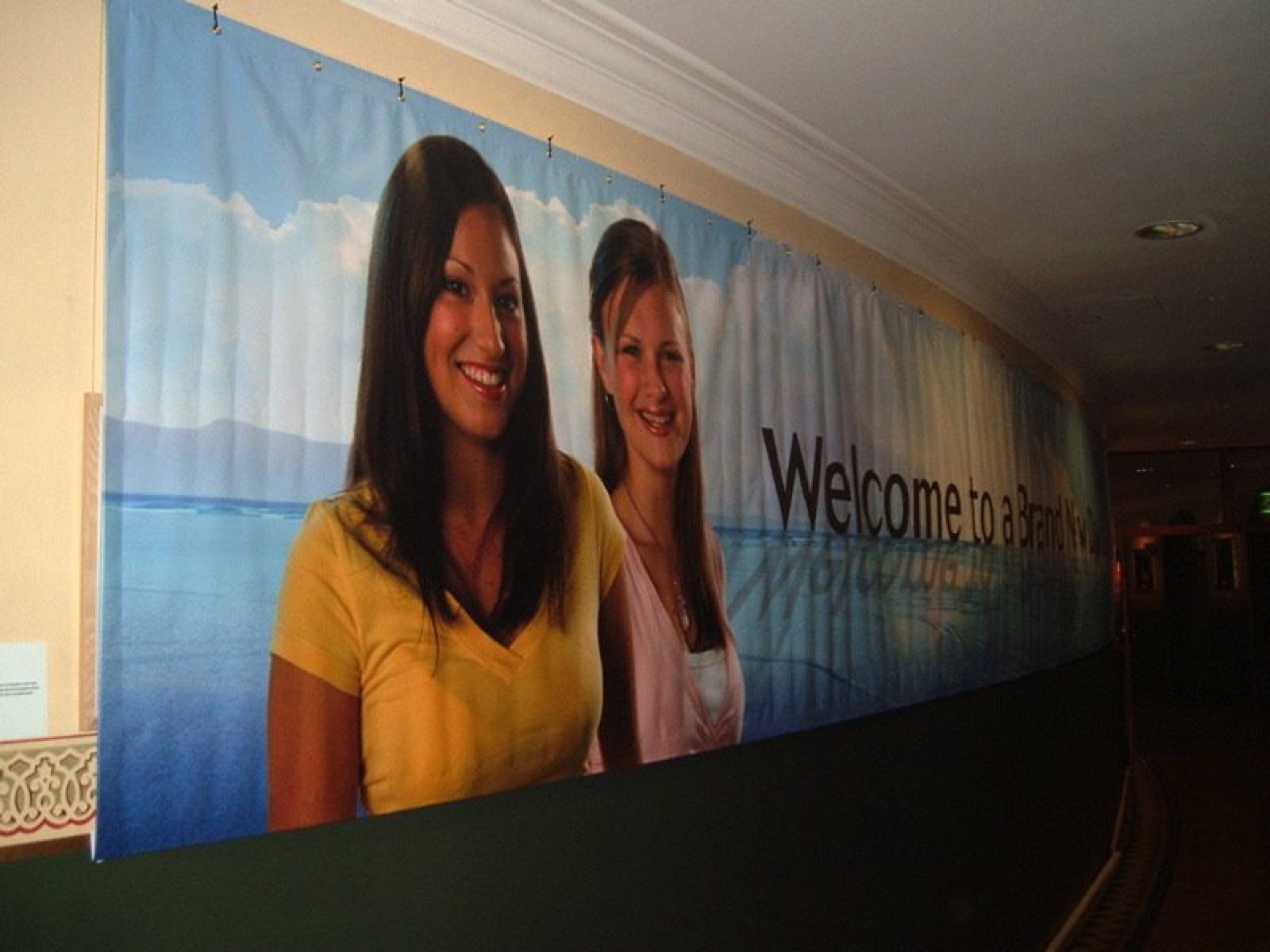
- Viewed from several metres or more (building banners, hoardings, large backdrops): lower values often work, sometimes well under 100 ppi.
These are working ranges, not hard rules. The content matters too: a soft-focus sky tolerates less resolution than a product shot with fine text or a face that people will look at closely.
How to check your image
Place the image in your layout at full size, or at your chosen scale, and look at its effective resolution. Most design software shows this. If you are working at 1:10 scale, multiply the required ppi by ten: a file built at one tenth size needs ten times the ppi.
Then view it at 100% on screen and look at the areas that matter: faces, product details, edges of type in the image. If it looks soft at 100% and people will stand close, it will look soft in print.
Vector artwork does not have this problem
Logos, text, icons and illustrations built as vectors are described mathematically, not as pixels, so they print sharp at any size. Keep text live or outlined in your layout rather than flattening it into a photo, and always ask for a vector version of a logo. A pixel logo pulled from a website will look poor on a banner.
What if my image is too small?
- Find the original. Photos are often compressed or reduced as they are shared. Ask the photographer or agency for the full-resolution file.
- Scan the original. If you have a print, slide, negative or transparency, a high-resolution scan can capture far more detail than a phone photo of it. We offer drum scanning at up to 8,000 dpi.
- Change the design. Use the image smaller, crop to a less detailed area, or put it behind a layer of colour.
- Upscale with care. Enlarging software can smooth a low-resolution image, and modern tools do a reasonable job, but they cannot recreate detail that was never captured. Check the result closely.
Bigger files are not always better
A building banner built at 300 ppi at full size can produce a file far too large to handle easily, with no visible benefit. Match the resolution to the viewing distance and you get a sharp result and a manageable file.
Let us check it
Our artwork proof checker gives a quick indication, and we check every file before printing. If an image will not hold up at the size you want, we will tell you and suggest options. For the rest of the file set-up, see how to set up artwork for large format print.
Send it over
If you are unsure, upload the image with the size you want to print and roughly how far away people will stand. We will tell you whether it will hold up, or request a quote and mention any images you are worried about.
Questions
Do I need 300 dpi for a large format print?
Not usually. 300 ppi at full size is a good target for prints seen at arm’s length. Banners, stands and hoardings seen from further away generally need less.
Can you enlarge a small image for me?
We can, but enlargement cannot add detail that was never in the original. We will tell you honestly whether the result will look acceptable at your size.
My only copy is an old print or slide. Can you use it?
Yes. We can scan prints, negatives, slides and transparencies, with drum scanning at up to 8,000 dpi.
How do I check resolution if I am working at scale?
Multiply the ppi you need at full size by the scale factor. At 1:10, an image needs ten times the ppi it would need at full size.
Request a quote · Send artwork · 0203 026 0636